
Start the engine.
Launch the local AERILIS system.
AERILIS / WINDOWS SOFTWARE
Your flight. Under control.
One Windows application to manage AERILIS, automatically recognize compatible aircraft and connect your additional displays.
EXPLORE THE CONTROL CENTER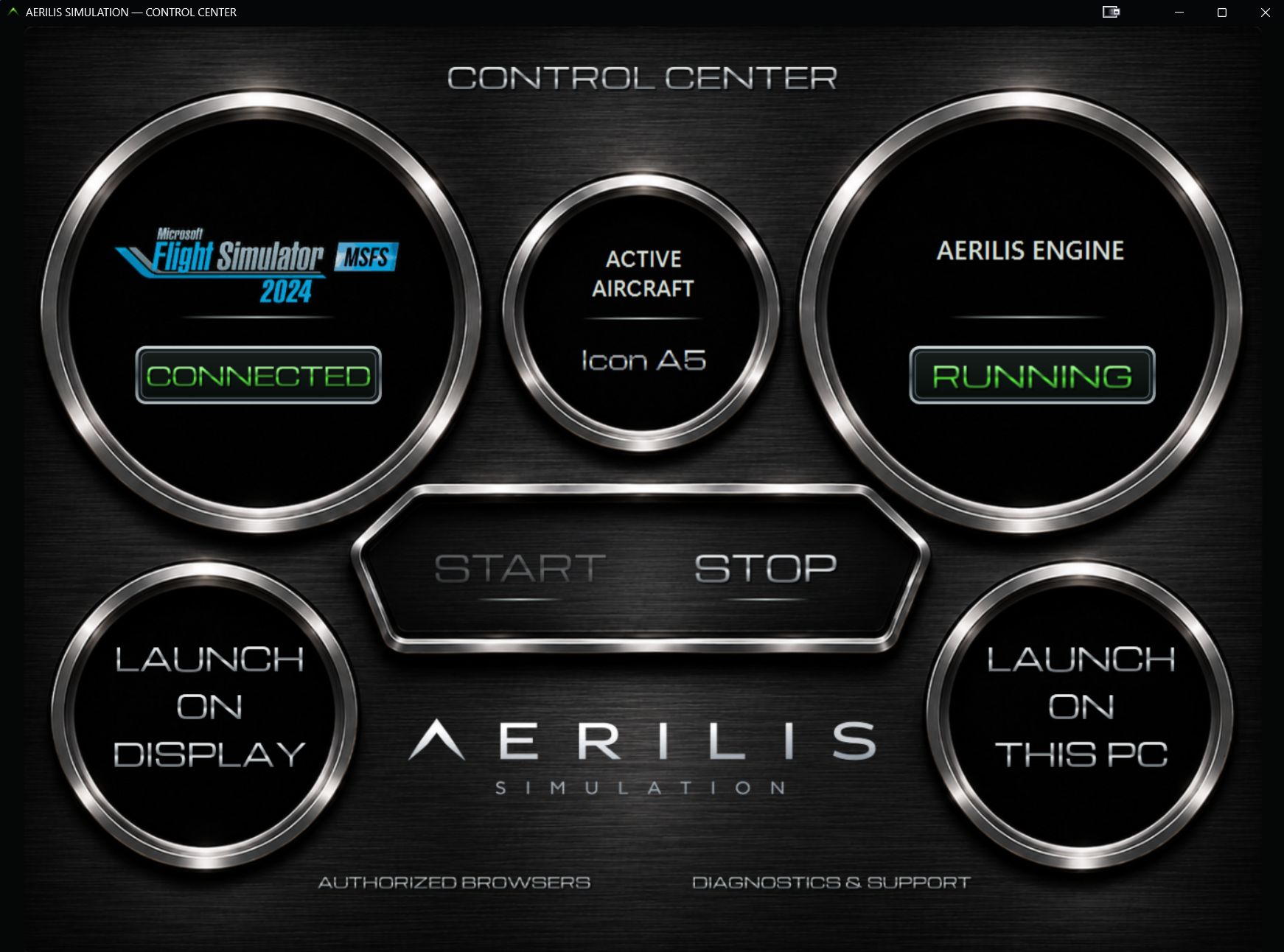
01 / WINDOWS ENGINE
AERILIS CORE runs locally on Windows and communicates with Microsoft Flight Simulator 2024 through SimConnect. The planned launch workflow detects the aircraft and loads its supported cockpit configuration automatically, before you open the instrument displays.
Launch the local AERILIS system.
AERILIS will identify your aircraft in MSFS 2024 and load its dedicated cockpit when supported.
Open the Flight Deck on another device.
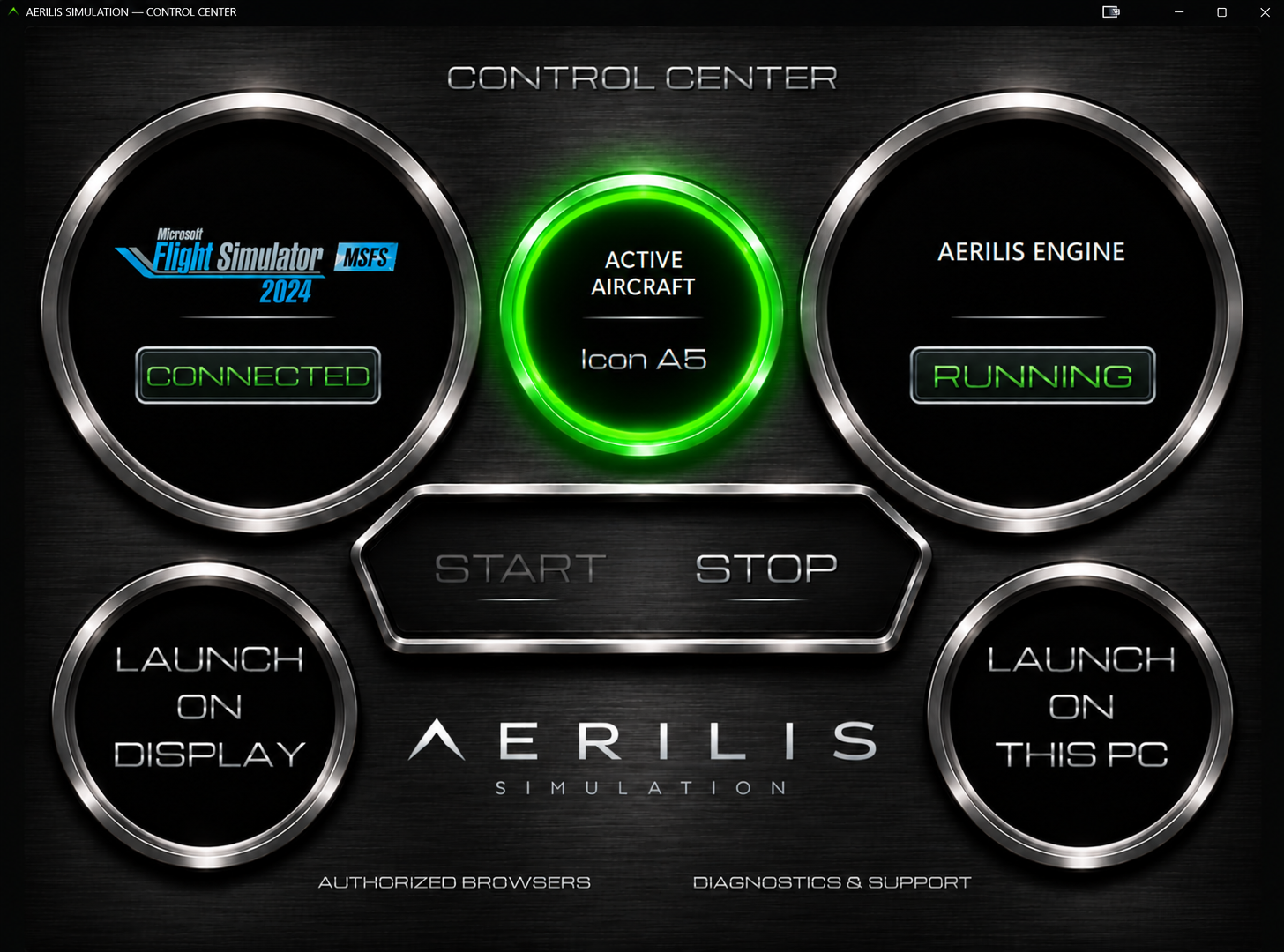
02 / AUTOMATIC AIRCRAFT RECOGNITION
At launch, AERILIS is intended to identify the active aircraft in MSFS 2024 and load the appropriate cockpit automatically when a compatible profile exists.
Not all aircraft will be supported at launch. Dedicated cockpit configurations will be added progressively.
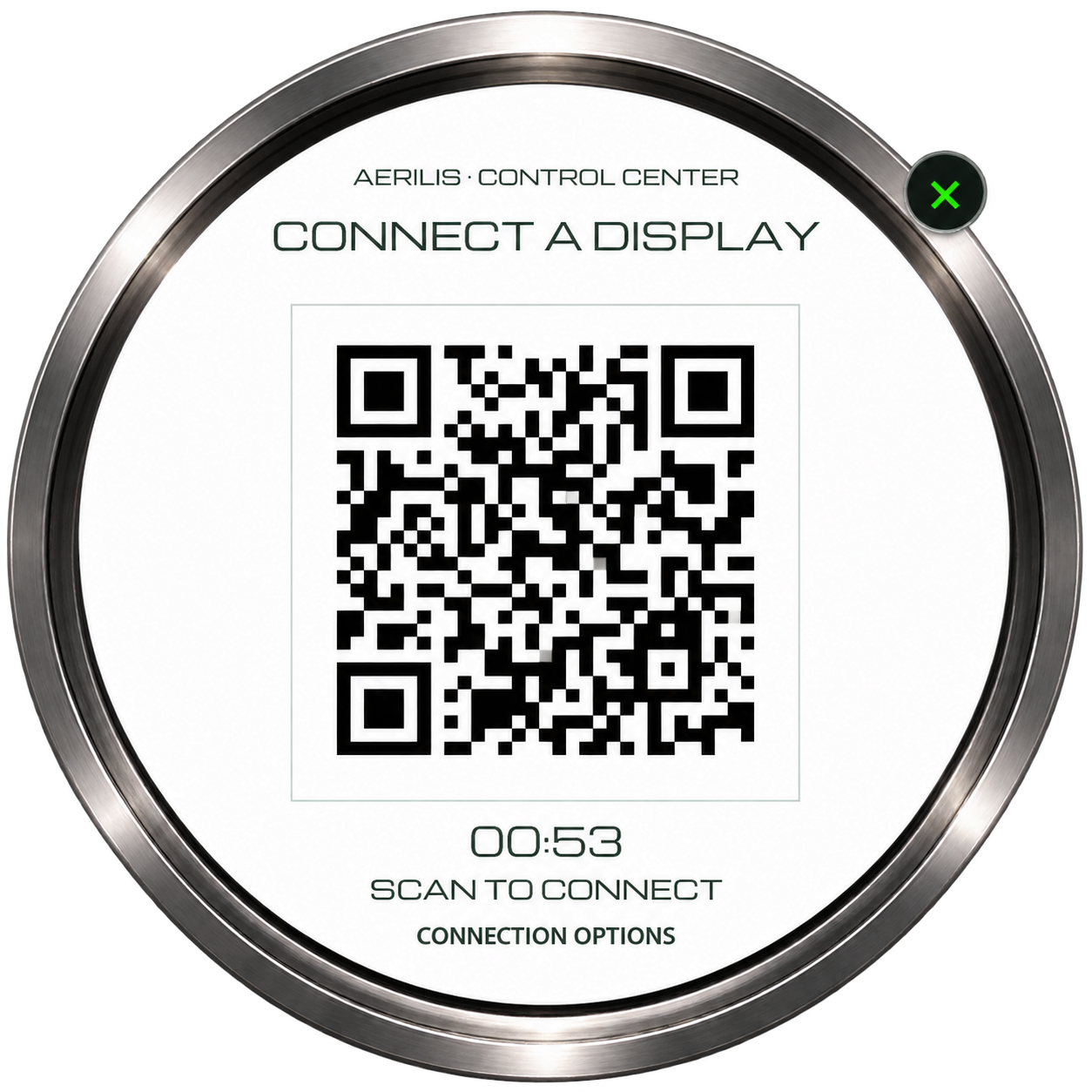
03 / SCREEN CONNECTION
Use the connection dialog to connect a compatible display to the local engine, including QR pairing where available.
Please hide private IP addresses, active QR codes and session tokens before sharing screenshots.
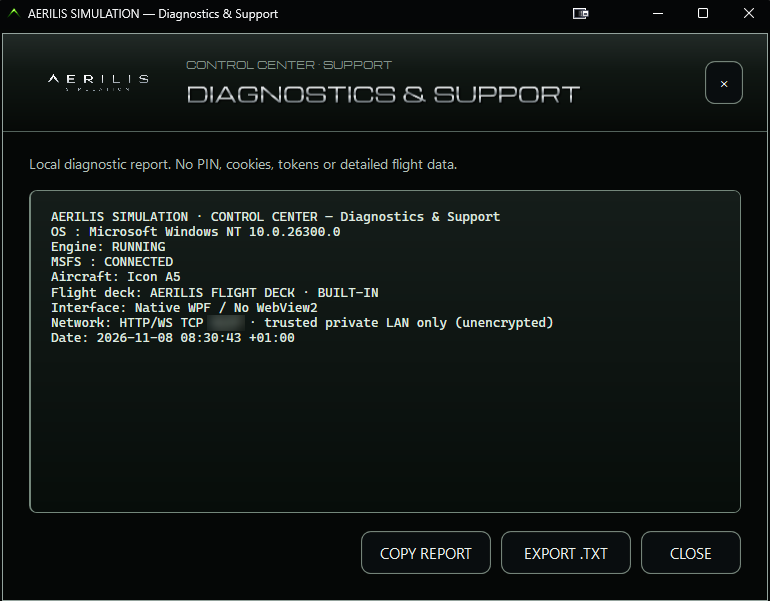
04 / ENGINE STATUS
Monitor the information currently exposed by the Control Center about the local engine and connected screens. Diagnostic options may change during development.
AERILIS SIMULATION / TWO EXPERIENCES
Discover the other side of AERILIS or explore how the system works.
IN DEVELOPMENT · PUBLIC DOWNLOADS NOT YET AVAILABLE