
Speed & power.
Essential flight and engine indications at a glance.
AERILIS / FLIGHT EXPERIENCE
Your aircraft. Your instruments. Your experience.
Dedicated flight instruments, extending Microsoft Flight Simulator 2024 beyond the main screen.
EXPLORE THE FLIGHT DECK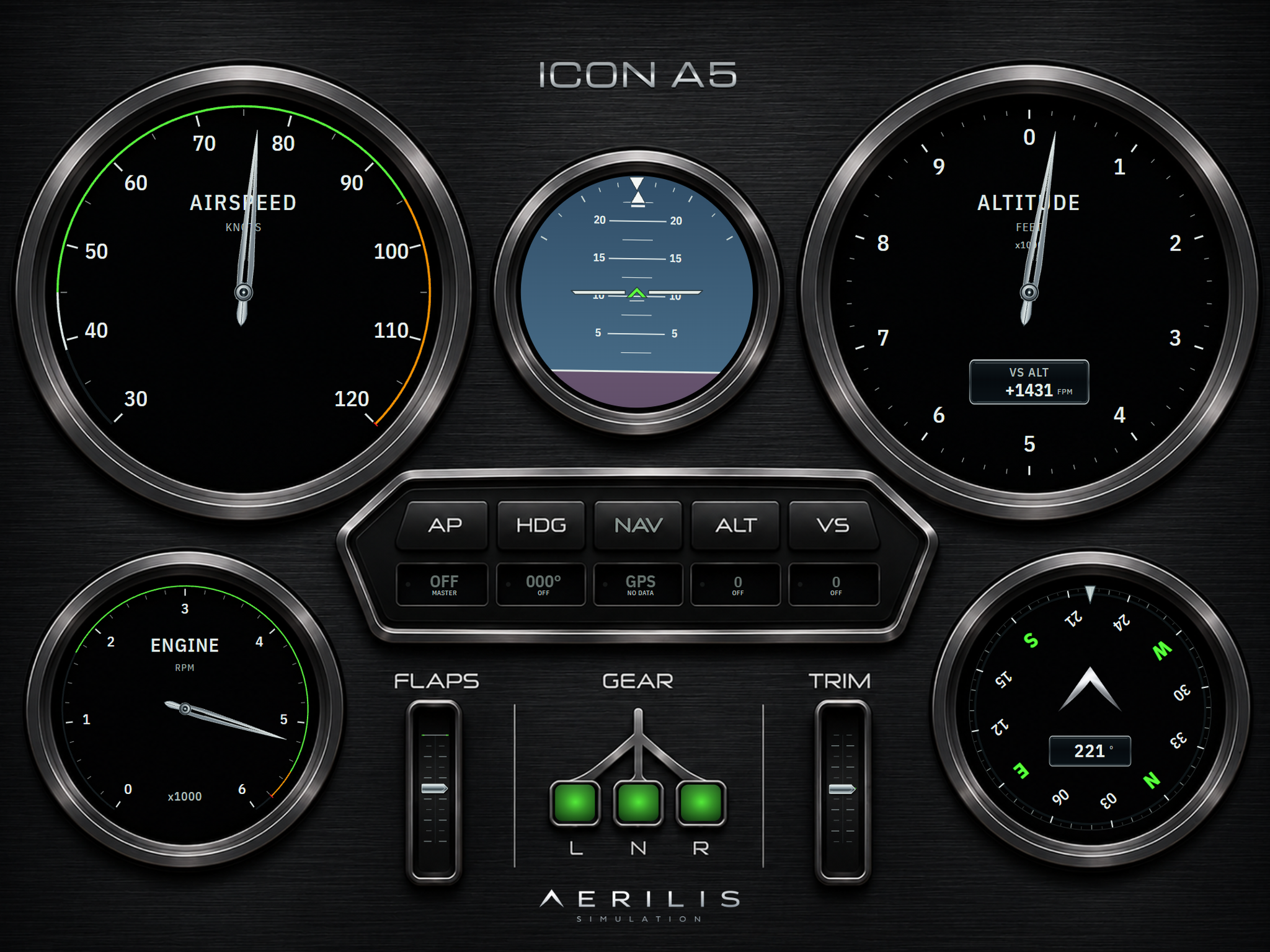
01 / THE FLIGHT DECK
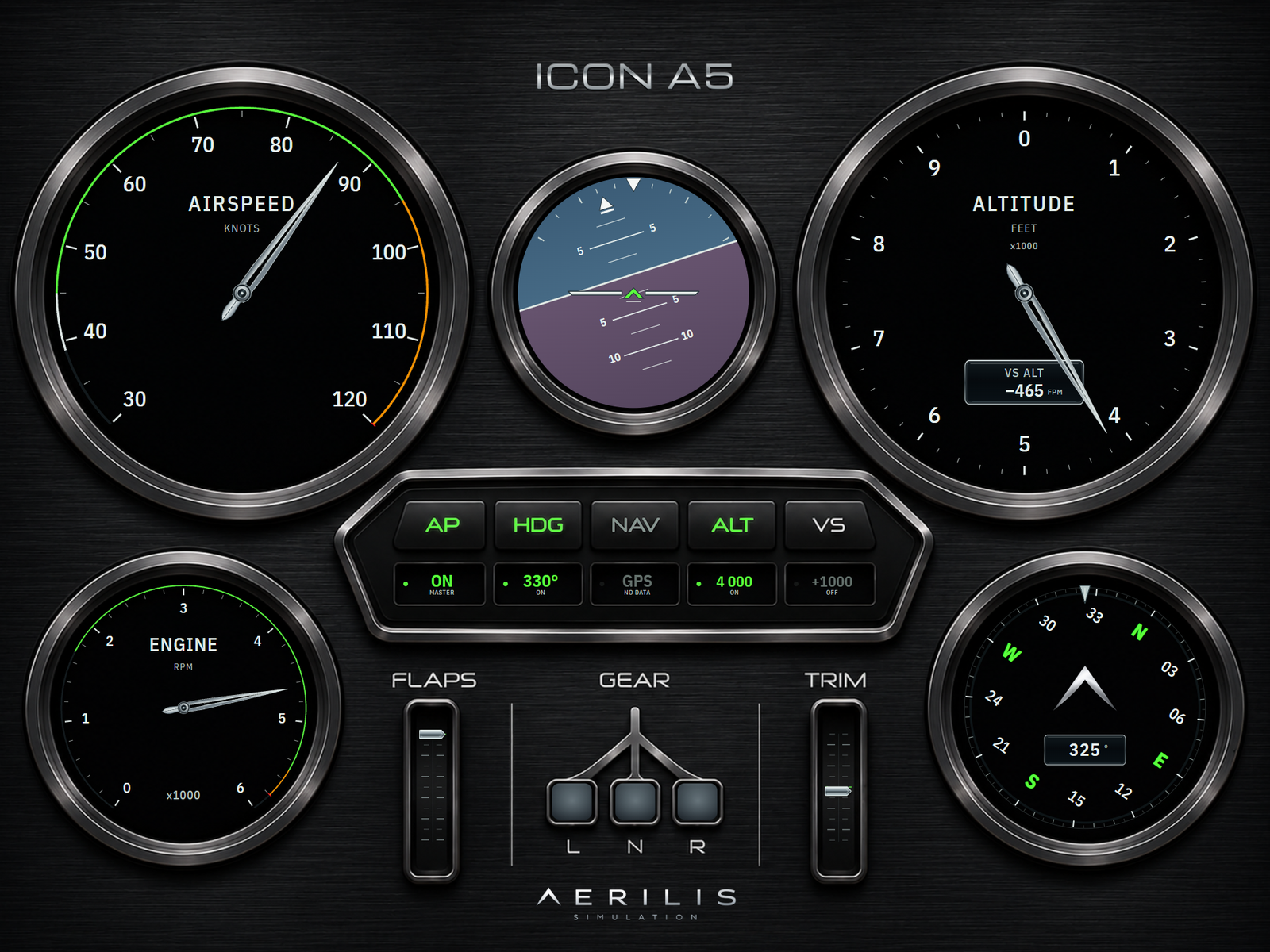
AERILIS arranges supported aircraft instrumentation into browser-based displays. Your simulator remains the source of flight data.
Essential flight and engine indications at a glance.
Keep important information visible on a dedicated screen.
Functions and indications depend on the active aircraft cockpit profile.
AERILIS / INTERACTIVE FLIGHT CONTROL
Five controls. Real decisions. Discover how your aircraft responds.
02 / AIRCRAFT DECKS
At launch, the intended workflow will recognize supported aircraft in MSFS 2024 and automatically load their dedicated cockpit profiles. The initial aircraft list will be limited and expanded progressively.
03 / CONNECTED DISPLAYS
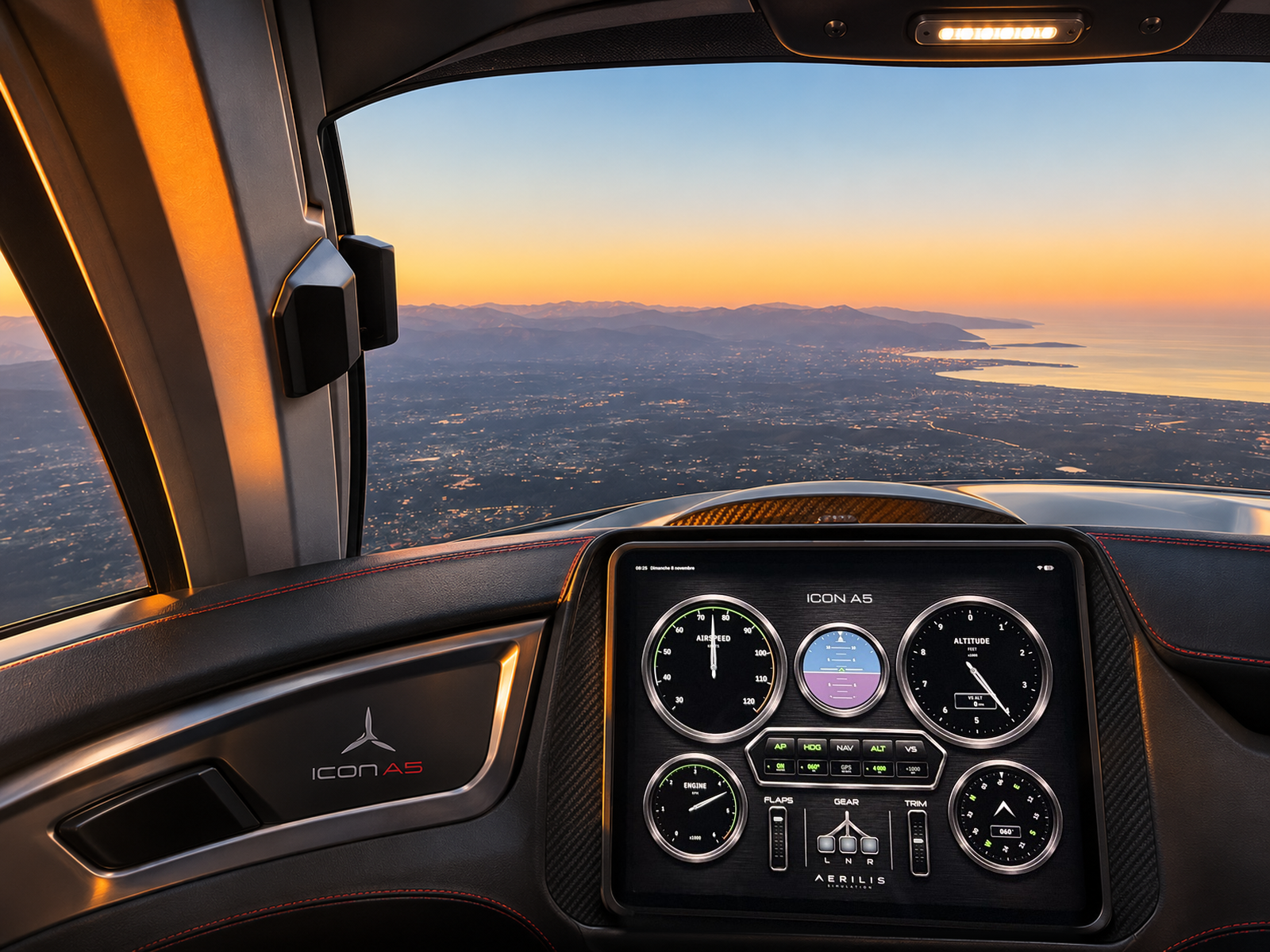
View the active Flight Deck through a compatible browser on an iPad, a tablet or a second computer connected to the same trusted local network as AERILIS CORE.
No separate tablet application is required. This development software is not intended for direct access from the public Internet.
AERILIS SIMULATION / TWO EXPERIENCES
Discover the other side of AERILIS or explore how the system works.
IN DEVELOPMENT · PUBLIC DOWNLOADS NOT YET AVAILABLE